Tools & Tutorials
How to Use Figma Auto Layout Without Fighting It
How to use Figma auto layout to build buttons, cards and navigation that resize themselves — padding, gap, hug and fill explained in plain steps.

How to use Figma auto layout to build buttons, cards and navigation that resize themselves — padding, gap, hug and fill explained in plain steps.
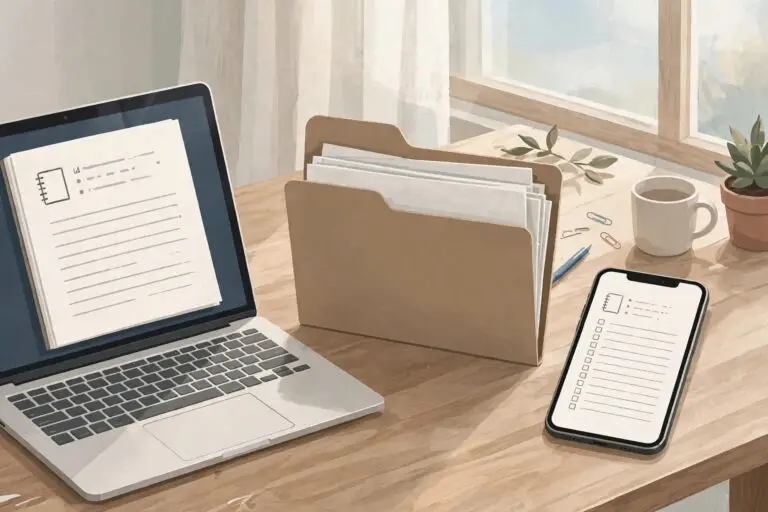
Local-first software explained in plain terms — your device holds the real copy, sync happens in the background, and your work survives offline and outages.

Environmental storytelling in games lets a room do the talking — props, damage and light reveal what happened before any character explains it.

Learning how to design a magazine cover starts with one job — earning the pickup in three seconds — then building masthead, image and cover lines in that order.

Learning how to read a contact sheet turns a grid of small frames into a record of decisions — what a photographer tried, rejected and finally chose.

The 12 principles of animation in motion graphics explain why one logo reveal feels expensive and another feels stiff — easing, staging and timing do most of the work.